


So, here we have a situation! Thoroughly Modern Millie (that’s me) has embraced Microsoft Bookings and Microsoft Forms, and the people I’m hoping to interview for my research project can book a time to chat with me online via Teams. (Or, indeed, in person in Dundee – at a few agreed times when I’ll actually be there!) I did several test-runs of the booking/meeting process with my patient and willing friends, and it all seemed to work smoothly. I particularly wanted to test it with people who didn’t have Microsoft Teams and would have to start from scratch. After the test-runs, it was “All Systems Go”, and I started on the interviews. I’m having a great time listening to people’s Leng Medal memories, though I do still have a lot more folk I’m hoping to speak to!
But if a scheduled Teams meeting doesn’t happen – by which I mean, I click on the link on my calendar at the appointed time, but the other person doesn’t check in – then that suggests that there’s a problem.
A Teams call isn’t a phone-call. The other person’s phone won’t ring, or buzz, at the meeting time. It’s more like Skype, Zoom or Google-meet. They will have got an email with a link to click. Clicking on that link should eventually take them to a Teams screen showing me waiting at my laptop.
My Brainwave (or was it?!)
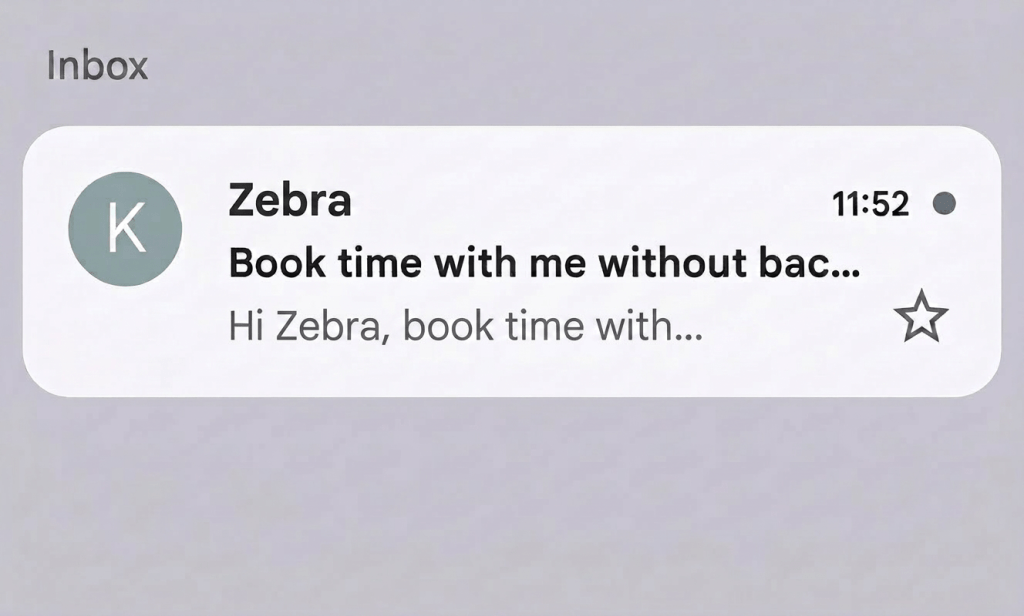
For me, the frustrating thing is not knowing exactly what people are seeing when they click on that link! It’s hard to offer words of advice, when I don’t know what they’re encountering. I wondered if I could arrange a Teams meeting between myself on my work laptop, and myself on my mobile phone, which I could screenshot to demonstrate how it works. So … I emailed myself (the potential interviewee) a link to a Microsoft Bookings page. This is the email subject heading:-
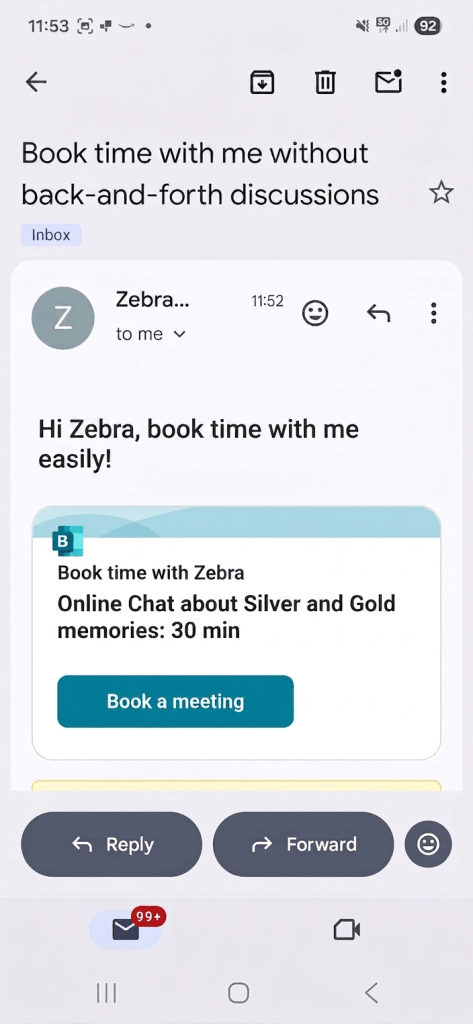
And this is what my Researcher self said to my At-Home self. I soon began to feel as though I had a split personality:-
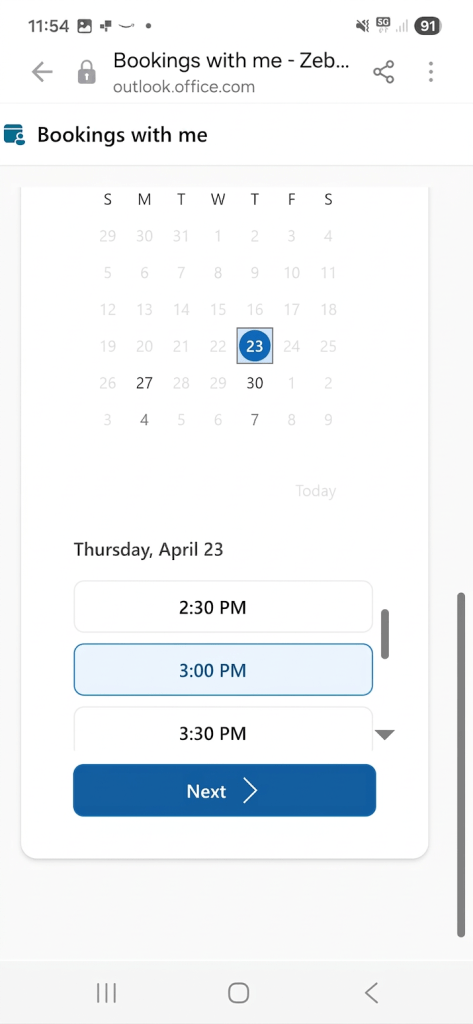
So, my At-Home self clicks on the blue Book a meeting – and this comes up. I have to pick a date and time, then click Next:-
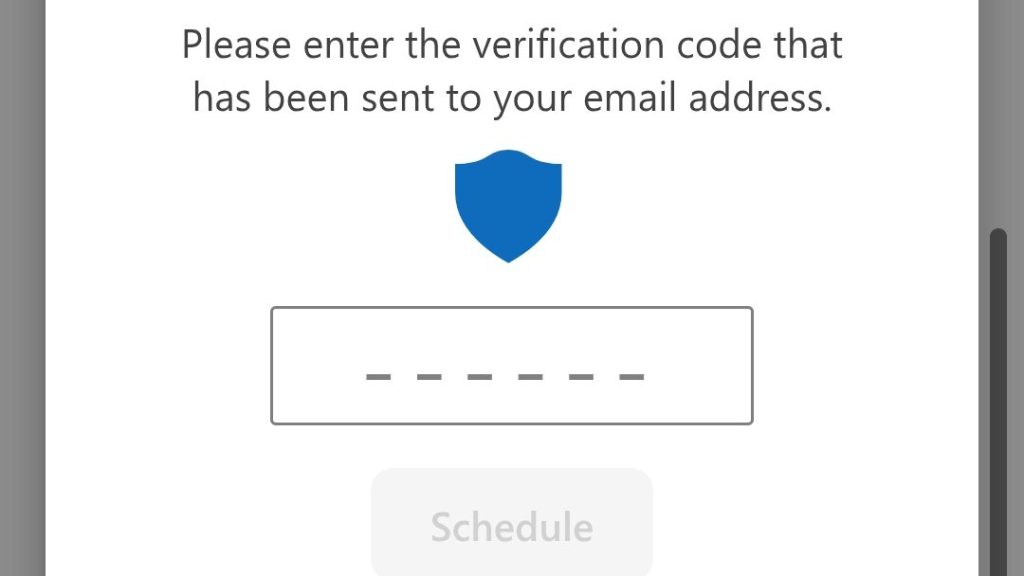
At this point, the potential interviewee will have to verify their email – they will receive a verification code that they need to input. And then they’ll be guided through installing the Teams app. If they already have a Microsoft account, they can use that, or they can join as a Guest:-
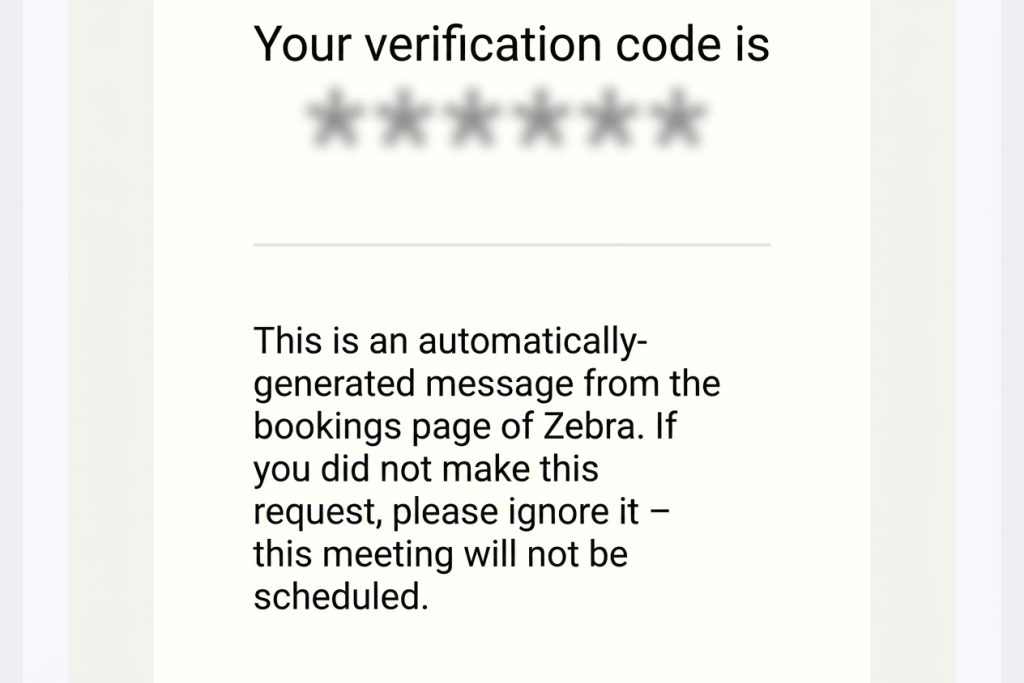
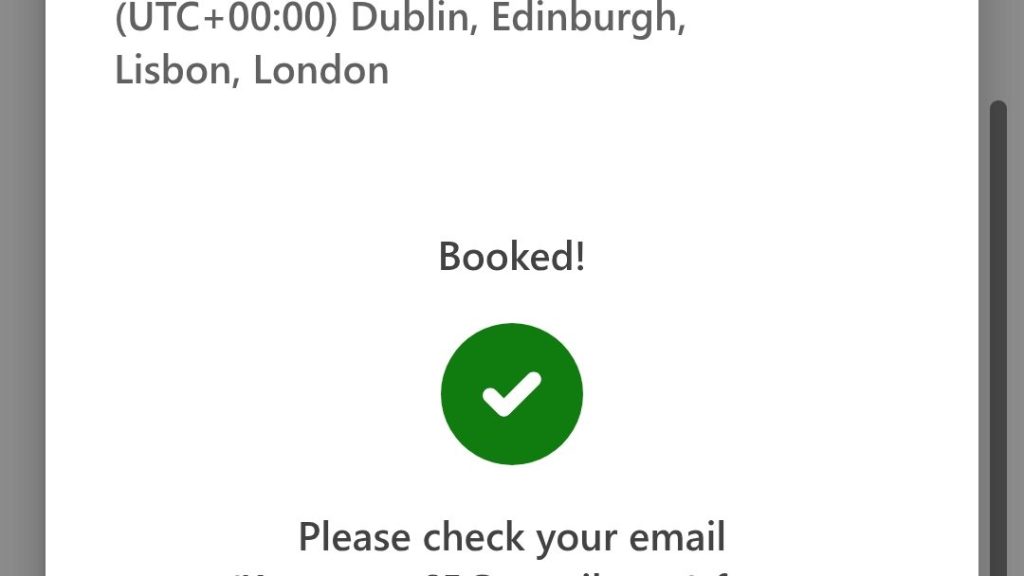
Now my At-Home self receives a hyperlink for joining the meeting at the chosen time. (There’s also a meeting ID and passcode beneath these.)
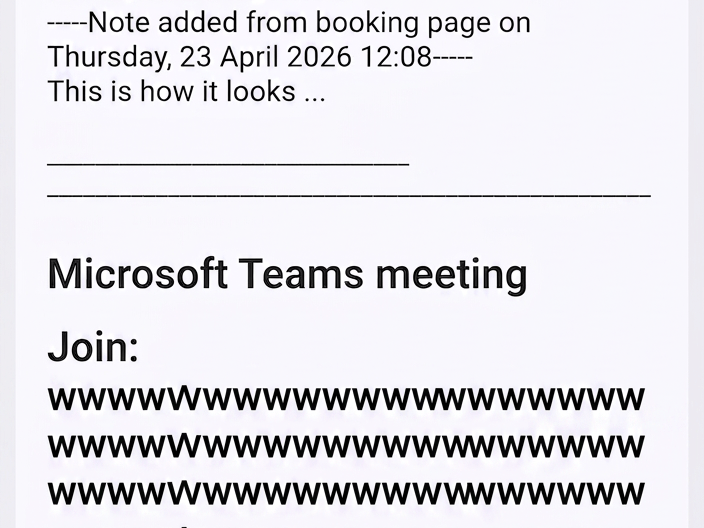
How to Attend a Teams Meeting if you haven’t got Teams on your Device
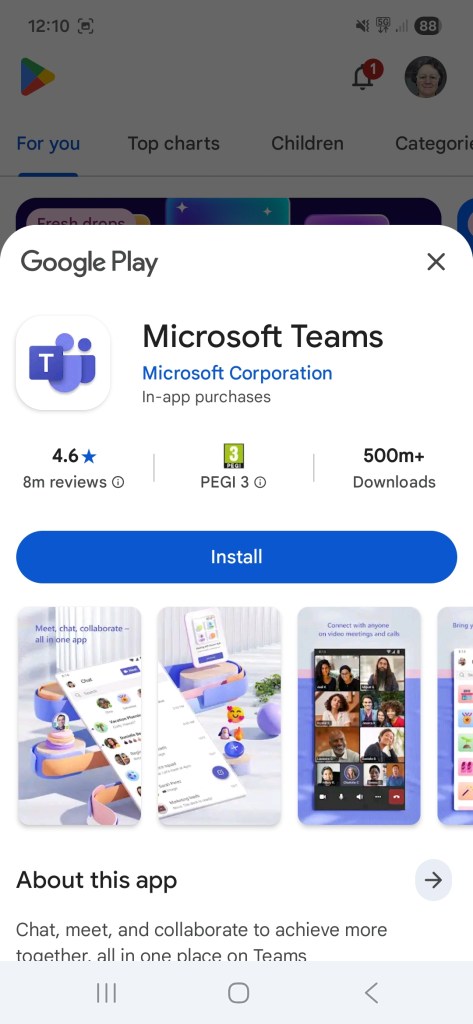
1. On your Mobile Phone
If you’re using a mobile phone, and you haven’t already got Teams, you’ll be invited to download the app, using Google’s PlayStore or Apple’s App Store.
Here, I stopped the experiment, because my phone wanted me to log into my work Microsoft account, and plainly I couldn’t converse with myself from one and the same account!
2. Attending a Teams Meeting on a Computer
I turned to my own personal laptop. Clicking on the Join your Teams meeting link offered the choice of ‘Continue on this browser’ or ‘Join on the Teams app’, followed by, ‘Don’t have the app? Download it now.’ My personal laptop is old – it would only let me continue on the browser. (Shall we just say that operating two laptops side-by-side makes for a completely impossible interview, but I was able to open the meeting on both laptops, so in theory I was conversing with ‘myself’ …. )
The Teams app
I’m assuming that the Teams app would then take you to your appointment. Anyway, you’ll need to click to ‘Join’ the meeting at your chosen time. No bells will ring, no lights will flash. On my work laptop, a reminder comes up, and I can click on that to get into the meeting. Or I can access it via my Outlook calendar.
If it all goes Pear-Shaped
Well, we still have emails! And I’m also arranging some face-to-face interviews in Dundee. One way or another, I’m sure we can find a way to share those precious Leng Medal memories. Because every interview has given me fresh insights and some lovely stories stretching way back into people’s childhoods.


One thought on “Pear-Shaped. When it’s Nobody’s Fault, but the Tech doesn’t seem to Work”